Every brand is a video brand now, whether it planned to be or not. Feeds reward motion, product pages convert better with a clip, and most customers watch before they read. The catch is that producing enough video to keep up used to mean a shoot, an editor and a week of revisions.
AI video generators promise to shrink that to minutes. Some deliver. Most, though, were built for hobbyists chasing a cool eight-second clip, not for a brand that has to look the same on Tuesday as it did on Monday.
So here's the checklist we'd use to pick an AI video generator for brand work, then the leading tools ranked against it.
Why Brands Need a Different Kind of AI Video Tool
A creator can post whatever looks good today. A brand can't. Your logo design, palette, product and tone of voice are the whole point, and any tool that drifts from them chips away at recognition.
That's the logic behind a brand bible. BrandCrowd's guide to building a brand bible shows how written rules save teams from redoing off-brand work, and an AI video generator should respect those rules.
Brands also need volume: not one great video, but 30 versions of it for Reels, TikTok, YouTube and paid campaigns, this week.
Seven Things to Check Before You Pay for an AI Video Generator
1. Does it keep your product and characters consistent?
This is the test that separates brand tools from toys. Generate a sneaker from a text prompt and you'll get a different sneaker every time. Brands need the actual product, the actual mascot and the actual spokesperson in every frame.
Look for reference-based generation. You upload photos of the product or character, and the tool treats them as the truth it has to stay faithful to. If a generator only accepts text, it's guessing at your brand.
2. Can it start from a single product photo?
Most brands already own the one asset that matters: a clean product shot. A brand-ready generator turns that photo into a video without a reshoot. It should remove the background, rebuild the lighting and drop the product into a studio or lifestyle scene.
Ask for a test before you commit. Upload your hero product and see whether the label, colors and proportions survive. If they don't, nothing else on the feature list matters.
3. Does it finish the video or just start it?
Plenty of tools output a silent clip and call it done. Then you still need a script, a voiceover, captions, music and exports in three aspect ratios. That's the editing job you were trying to avoid.
A brand-ready tool ships a finished piece with script, voice, subtitles and music in one render. Bonus points if it exports 9:16, 1:1 and 16:9 from the same generation, because you will need all three.
4. Are the rights clean?
Read the license before the feature list. Some plans watermark exports, some exclude commercial use on lower tiers, and some stay vague about who owns the output. A brand that runs paid ads can't afford vague.
You want full commercial rights and watermark-free exports on every plan, in writing. If that only comes with the top tier, price the top tier.
5. Can it speak your markets' languages?
Brands rarely sell in one language. Dubbing a campaign the old way meant new talent, new sessions and a new invoice per market. Built-in AI voiceover in 30-plus languages turns that into a dropdown.
Check the voice quality in the languages you sell in, not just English. A robotic Spanish read will undo everything the visuals earned.
6. What does a finished video really cost?
Ignore the headline price for a minute. Divide the monthly fee by the number of finished, usable videos you get, then compare. A cheap plan that produces raw clips you still have to edit often costs more per posted video than a pricier one that finishes the job.
Also check whether features hide behind tiers. Paying more for volume is fair. Paying more to unlock captions is not.
7. Will it fit the way your team works?
Marketing teams write briefs. They don't storyboard. The best tools accept a plain-language brief with the product, the audience, the pain and the promise, then plan the campaign mix from there.
Look for a workflow where one brief produces several variants in different styles, say UGC, testimonial and cinematic. That's how you test hooks before you spend a media budget.
The Best AI Video Generators for Brands, Ranked Against the Checklist
No single tool wins every check, and the right pick depends on which of the seven points matter most to your team. Here's how the most used AI video generators rank when judged on brand work rather than demo reels, starting with the one that covers the most ground.
1. ClipNova
ClipNova's AI Product Video Generator turns one product photo and a one-line brief into a finished video ad.
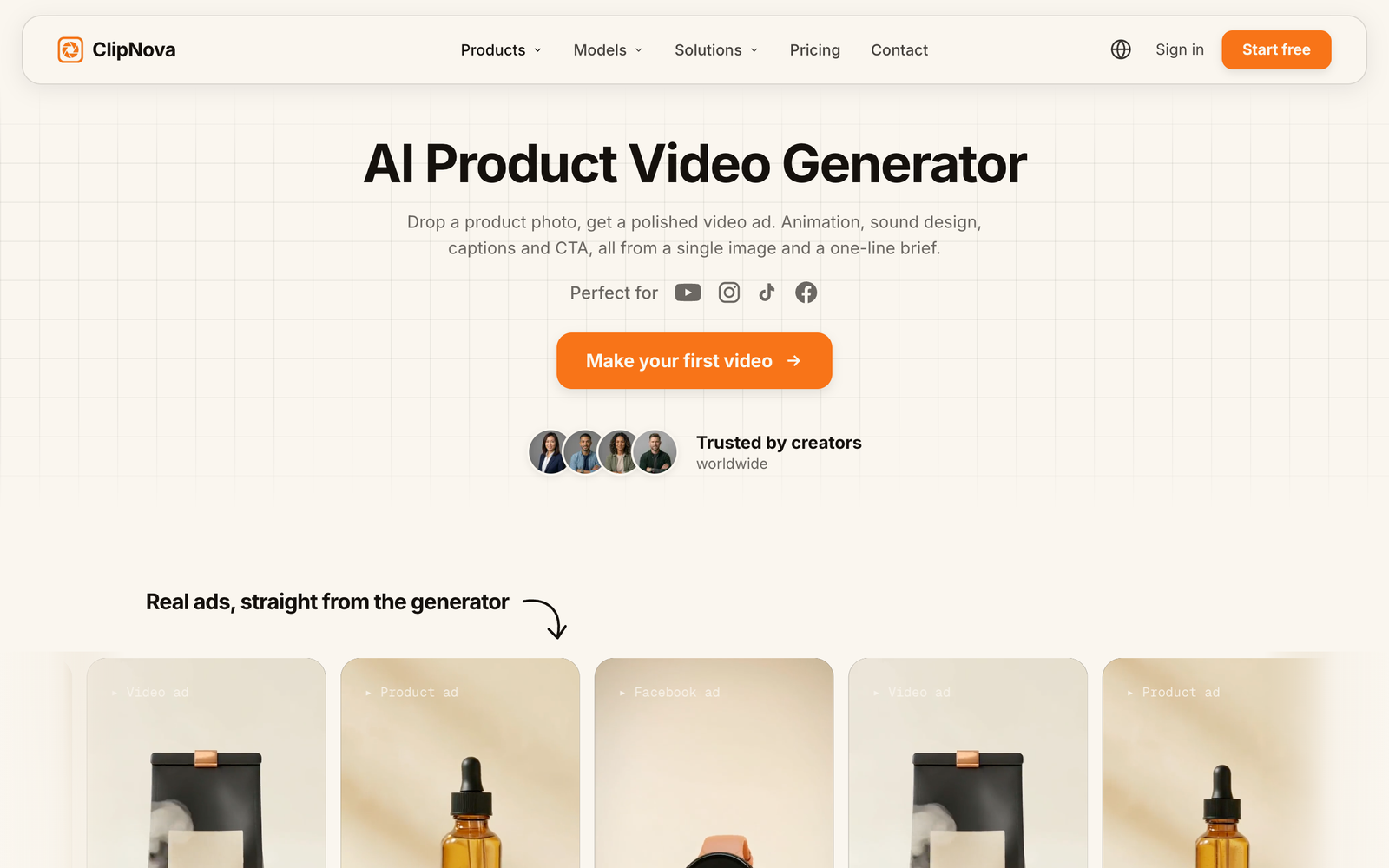
ClipNova takes the top spot because it's the only tool on this list that clears all seven checks in one place. It is built to be the best AI video generator for brands and agencies, turning a photo, a script or a brief into a finished video with voice, captions and music.
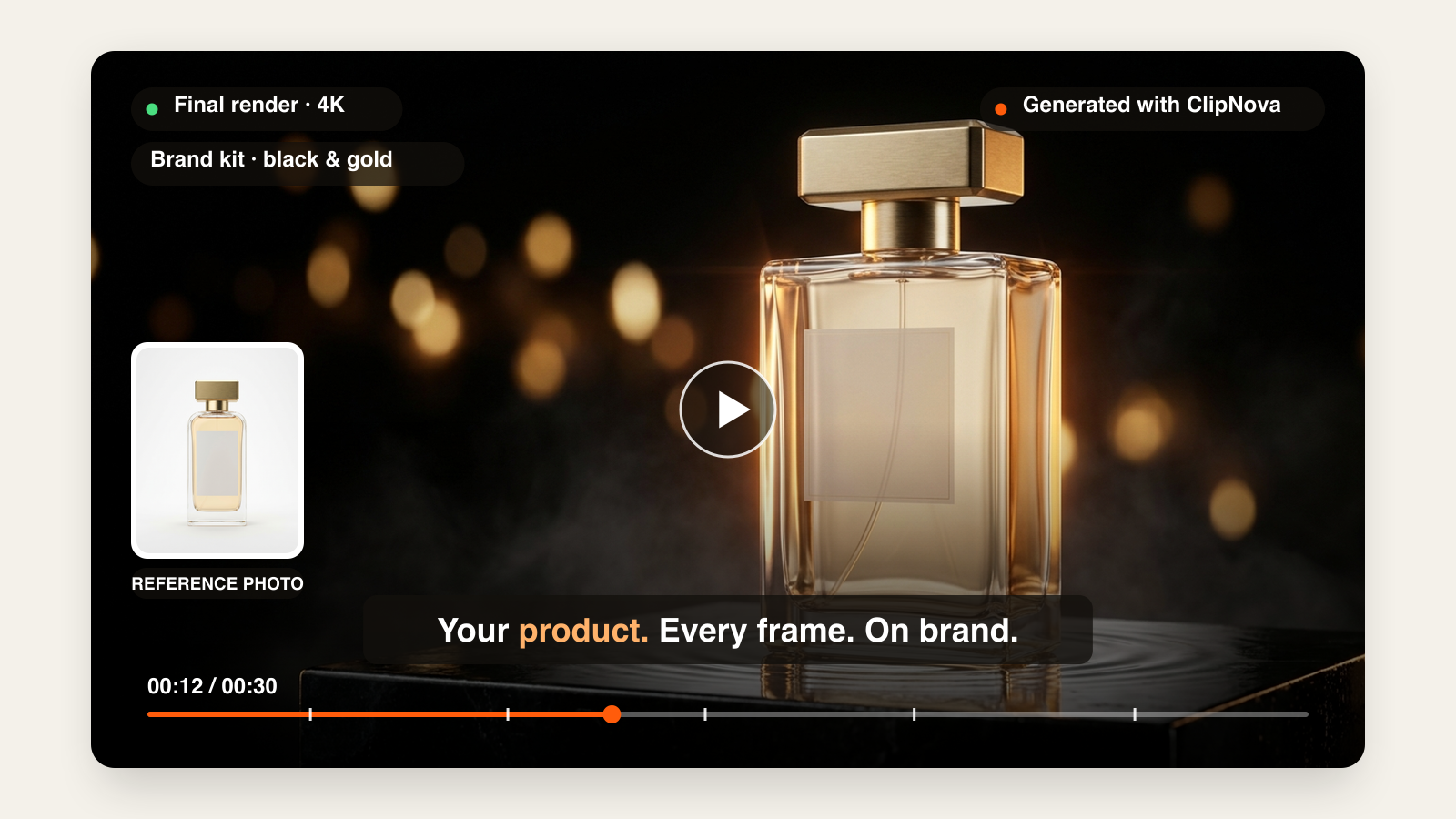
Key features
- Reference to Video: upload one to four reference images of a product, character or style, and every generated shot keeps them recognizable, so the same product and face carry across a whole campaign.
- AI Product Video Generator: starts from a single product photo and a one-line brief, removes the background, rebuilds the lighting and renders the product in studio, lifestyle, luxury, UGC, TikTok or demo styles.
- Finished output: captions, voiceover, a music bed and a call to action come back in the same render, exported in 9:16, 1:1 and 16:9, with videos up to five minutes at watermark-free 1080p or 4K.
- Ads Studio: takes a brief (product, audience, pain, promise), then plans a mix of UGC, testimonial, cinematic, pattern-break and demo variants formatted for Meta, TikTok and YouTube.
- Languages and avatars: AI voiceovers in 32 languages, plus a talking-avatar tool that uses a photorealistic host or your own spokesperson's face.
Pricing and rights: plans start at $19 a month, every plan carries full commercial rights and the same feature set, and new accounts get 70 free credits with no card required.
Watch out for: plans are credit-based, so heavy 4K and long-form output uses credits faster.
2. Synthesia
Synthesia's AI video platform for business, built around presenter-led avatar video.
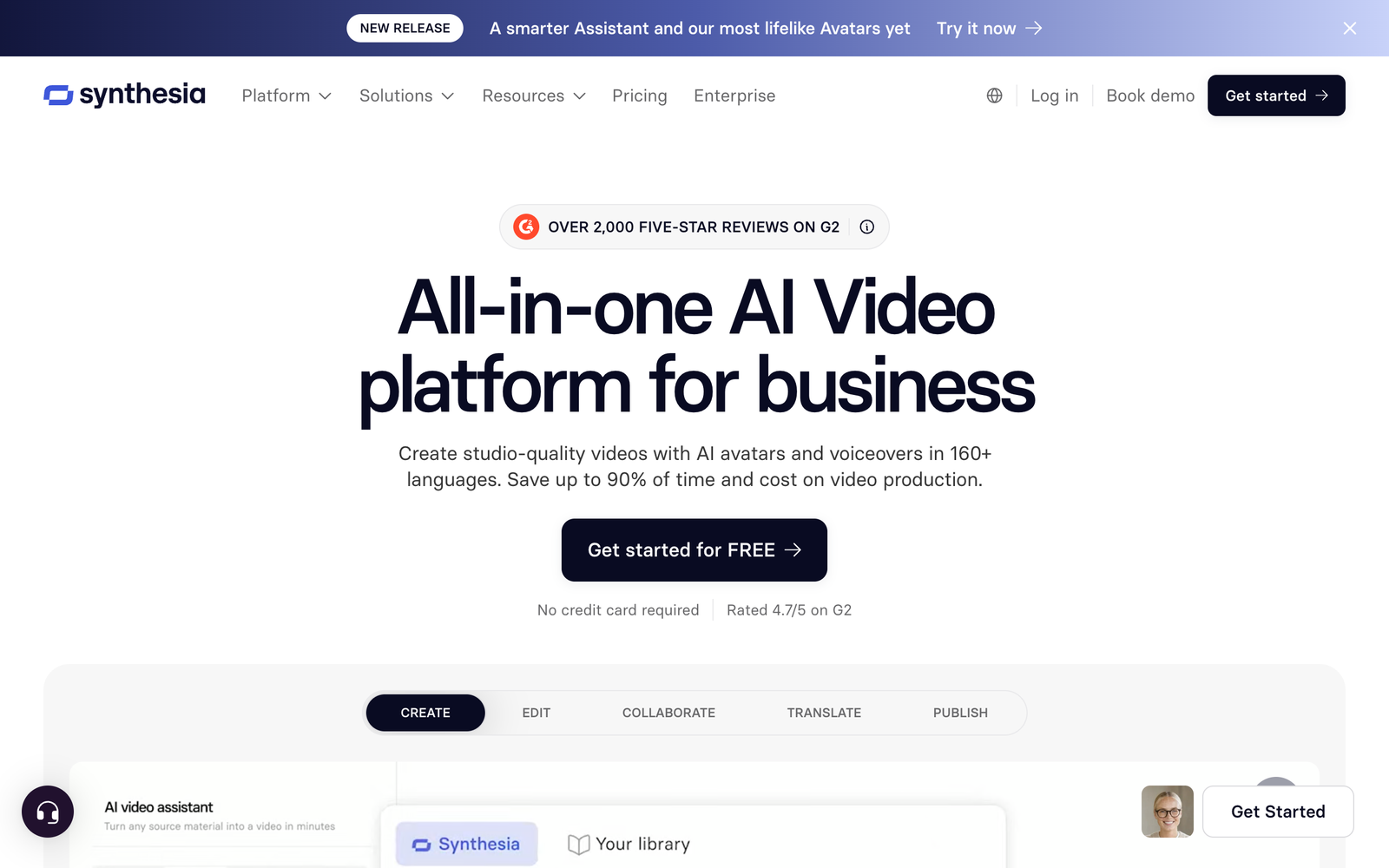
Synthesia is the standard for presenter-led video. You pick an avatar or clone your own spokesperson, paste a script and get a clean talking-head video with captions, which makes it a strong fit for training, onboarding and explainer content.
Key features
- 240+ stock AI avatars and 1,000+ AI voices across 160+ languages.
- Personal avatars of your own spokesperson, paired with a clone of their voice.
- One-click video translation with lip sync, plus AI dubbing of existing footage.
- Brand Kit with your logo, colors and style (listed on the Enterprise plan).
- Templates and collaboration built for L&D, onboarding and internal comms teams.
Pricing: free plan with 10 minutes of video a month; Starter from $29 a month (about $18 billed yearly) removes the Synthesia logo.
Watch out for: it doesn't generate scenes from a product photo, so the product arrives as a slide or a stock clip behind the avatar, and the cinematic side of the checklist stays out of reach.
3. HeyGen
HeyGen's avatar video platform, used for spokesperson video and translation.
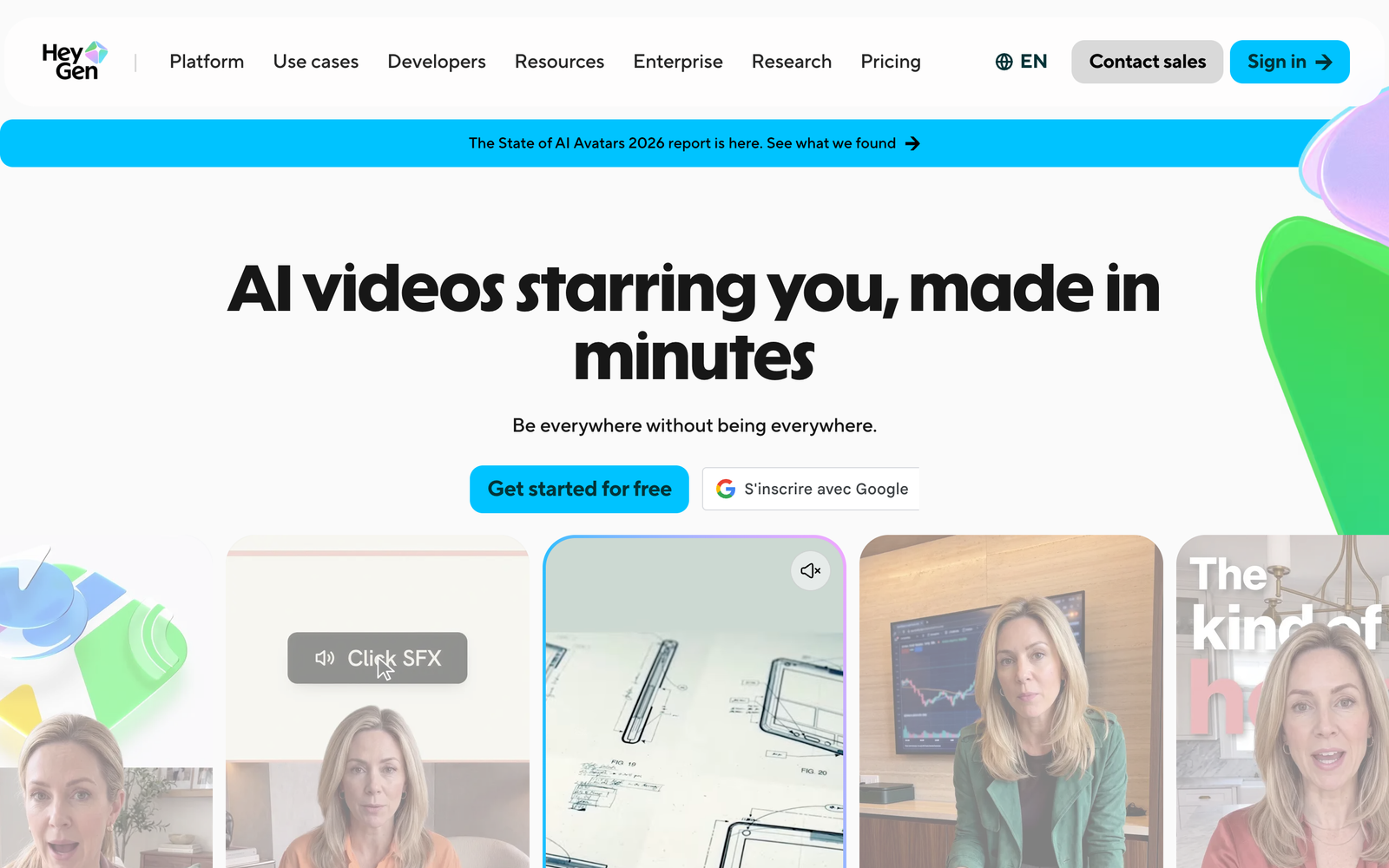
HeyGen covers similar ground with more consumer polish. Custom avatars, lip-synced translation of existing footage and a large voice library make it a good way to localize one spokesperson video across markets without a reshoot.
Key features
- Avatar V keeps one coherent identity across every video, with multiple camera angles from a single recording.
- 700+ stock avatars on paid plans and 1,000+ AI voices, plus voice cloning.
- Video translation into 175+ languages and dialects with phoneme-level lip sync.
- Brand Kit and brand glossary so names and terms stay consistent across translations.
- 1080p exports and videos up to 30 minutes on Creator, 4K on Pro.
Pricing: free plan (3 videos a month, up to one minute each); Creator from $29 a month, or $24 billed yearly, with watermark removal.
Watch out for: it's built around a person talking to the camera. Brands that need a bottle, a shoe or a mascot in generated scenes will usually still need a second tool.
4. Runway
Runway's homepage. Its Gen-4.5 video model is aimed at cinematic, reference-driven shots.
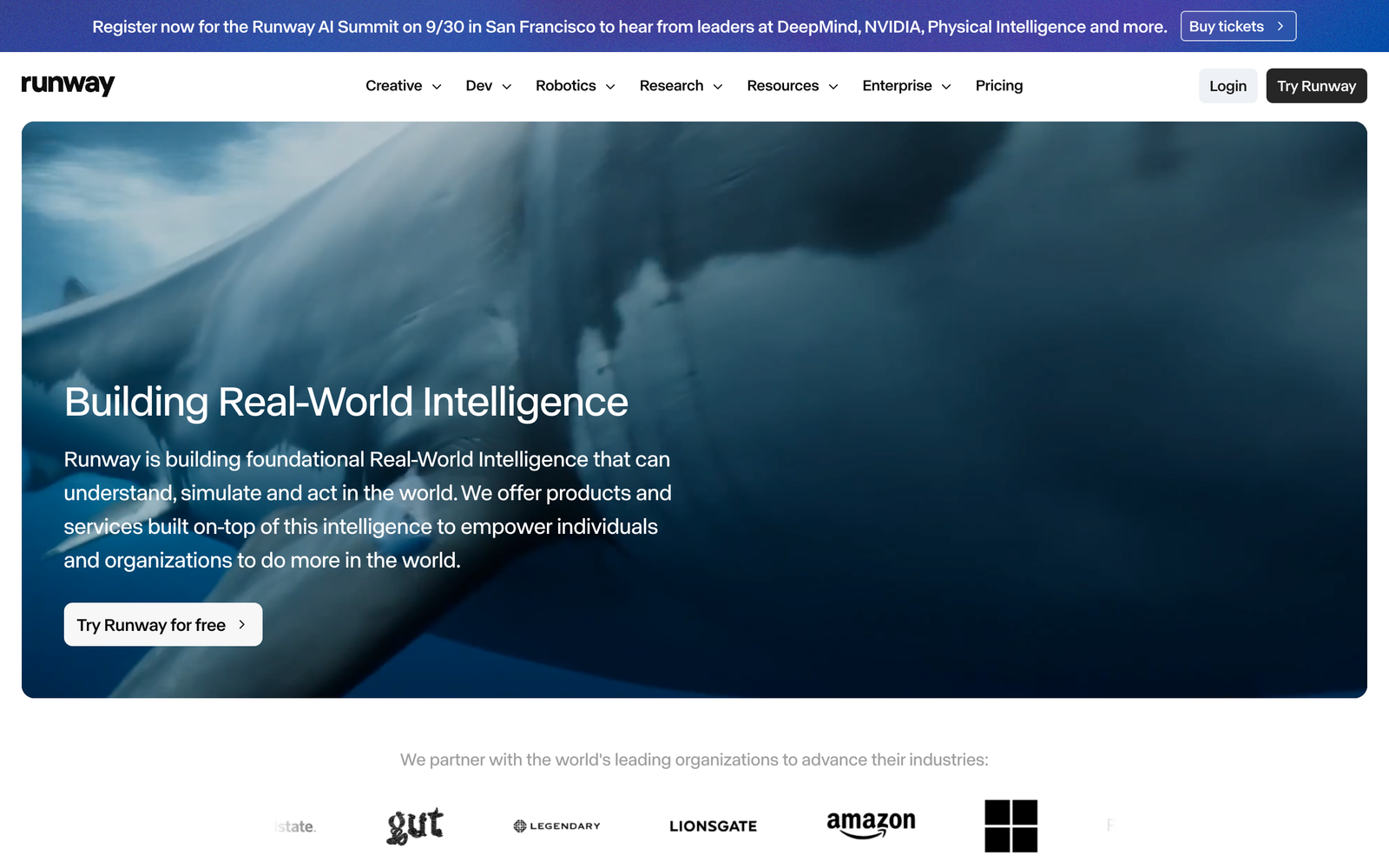
Runway sits at the high end of generative video and takes reference images seriously. Its reference features keep a character or object recognizable across shots, and the visual quality is among the best available for cinematic brand moments.
Key features
- Gen-4.5 video model, plus Aleph for editing existing footage and Act-Two for performance capture.
- Reference images keep characters, products and locations consistent across generations.
- Third-party models inside the same workspace, including Kling 3.0 and Seedance 2.5.
- 4K upscaling, with HDR and ProRes exports on the top plan.
- Brand Kit and a custom voice clone from the Pro plan, and team plans with shared projects.
Pricing: Standard from $15 a month ($12 billed yearly) with no watermarks; a free tier with 125 one-time credits.
Watch out for: Runway hands you a short clip and steps back. Script, voiceover, captions and the three aspect ratios are on you, and a five-second Gen-4.5 clip costs 60 credits, so the cost per finished video is higher than the plan price suggests.
5. Kling AI
Kling AI's 3.0 video model series.
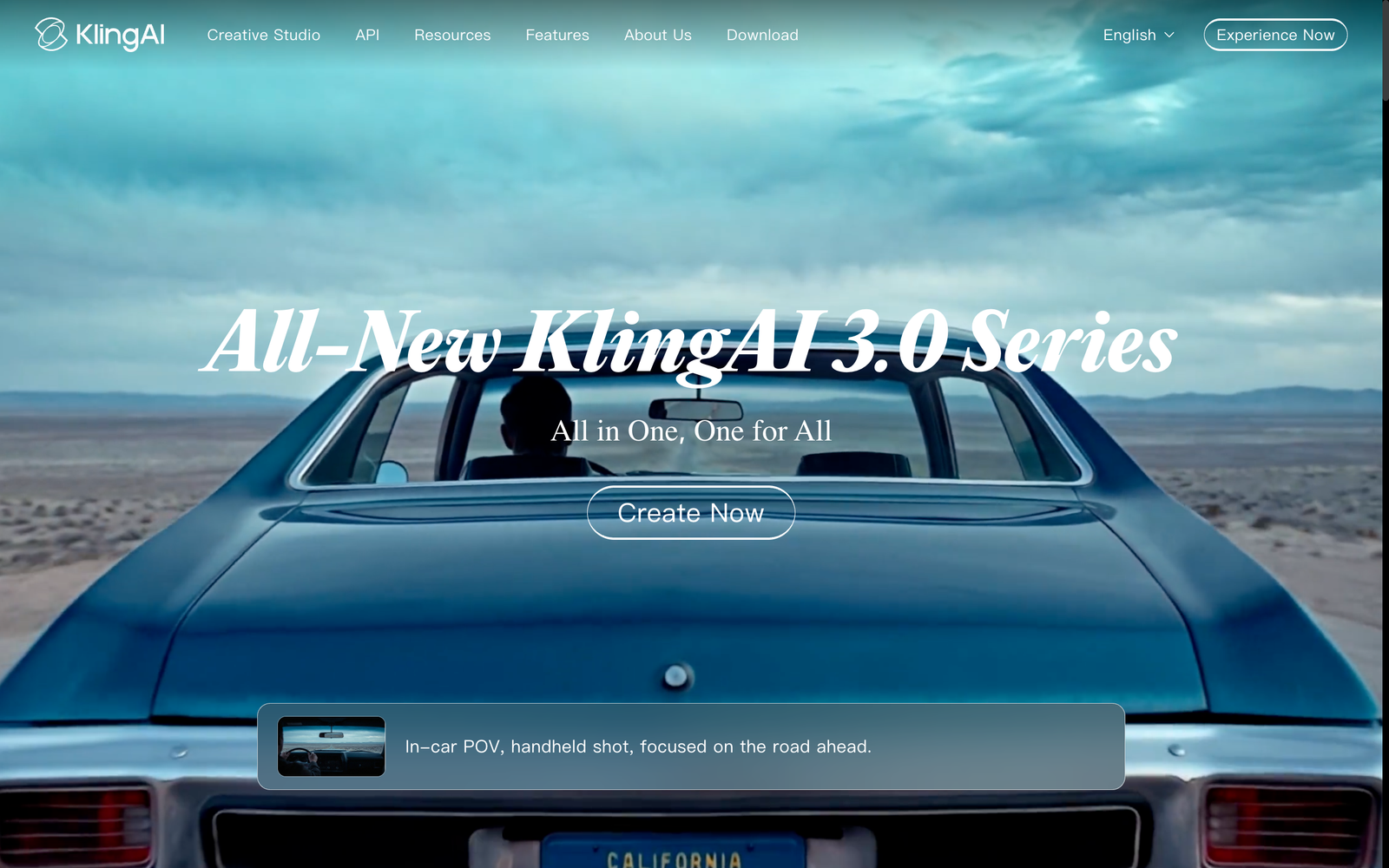
Kling is one of the strongest clip generators for realistic motion. It turns a photo or a prompt into a convincing shot with very little setup, which makes it useful for animating a product image or testing a hook idea.
Key features
- Kling 3.0 and 3.0 Omni video models, with clips up to 15 seconds in one generation.
- Multi-shot control for several camera angles in a single generation.
- Native 4K (3840×2160) output on the 3.0 series.
- Native audio with character-level lip sync, including several speaking characters in one scene.
- Element and character consistency tools that reuse a subject across shots.
Watch out for: the output is still raw footage. There's no script, voiceover plan or caption layer for a finished ad, so each clip needs editing before it ships.
6. Pika
Pika's AI creative platform for fast, effect-driven video clips.
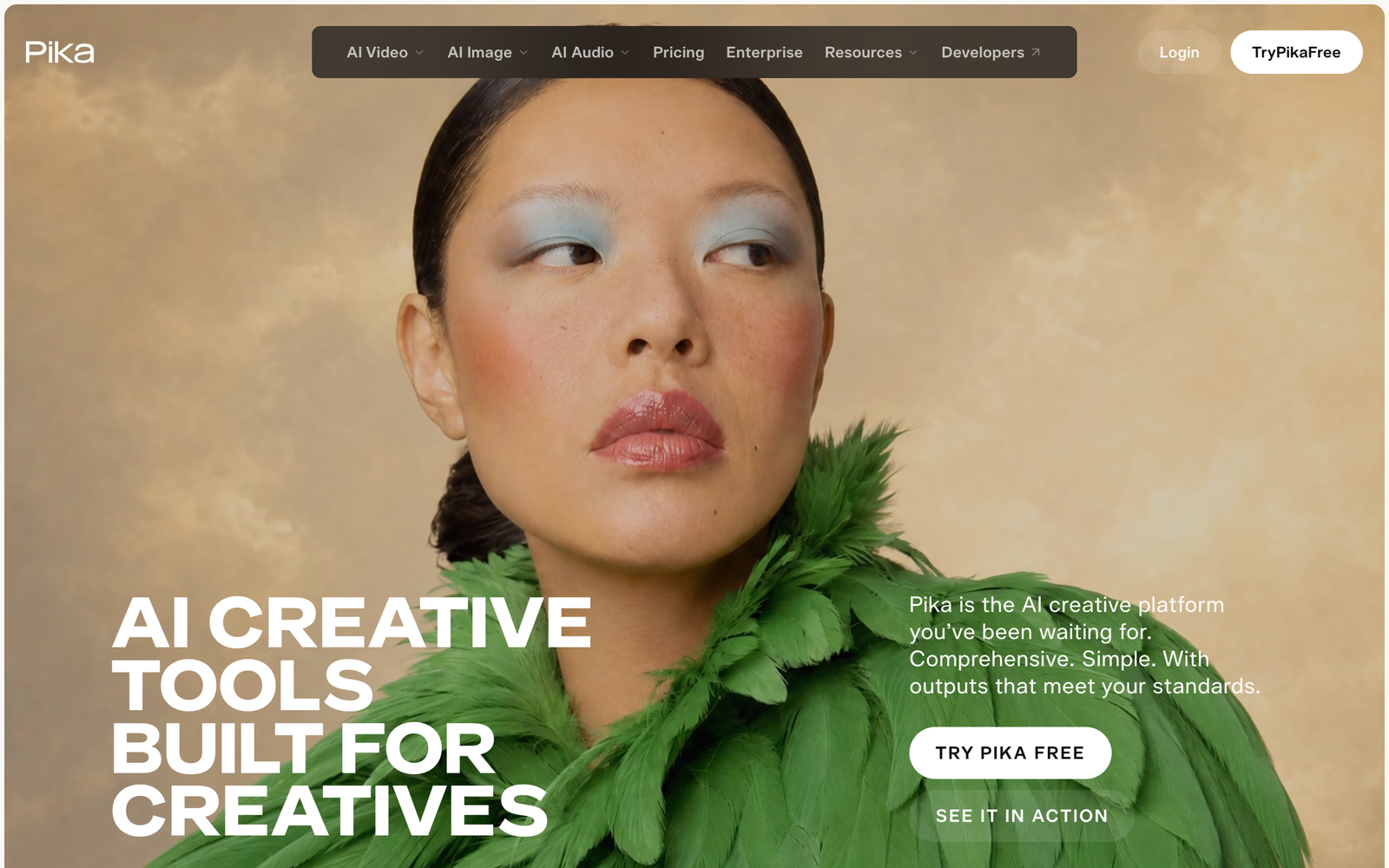
Pika is the fastest route from an idea to a playful clip. It's built for creators who want motion and effects quickly, and it has grown from a single model into a studio that bundles several.
Key features
- Several video models in one place, including Pika 2.5, Seedance 2.5 and Wan 3.0.
- Character Studio creates a character you can reuse across generations.
- Video Studio assembles up to 30-second multi-shot videos, with Pikaframes for keyframe control.
- Built-in audio models for speech, soundtracks, music and sound effects.
- Product Ad, Motion Transfer and Extend Video tools for quick social content.
Pricing: Starter from $10 a month ($8 billed yearly); exports carry no watermark, but the commercial license starts on the $35 Creator plan.
Watch out for: clips are short and stylized, so it's closer to a special-effects shot than to a finished, on-brand ad.
7. InVideo AI
invideo, which positions itself as an agentic video editor.
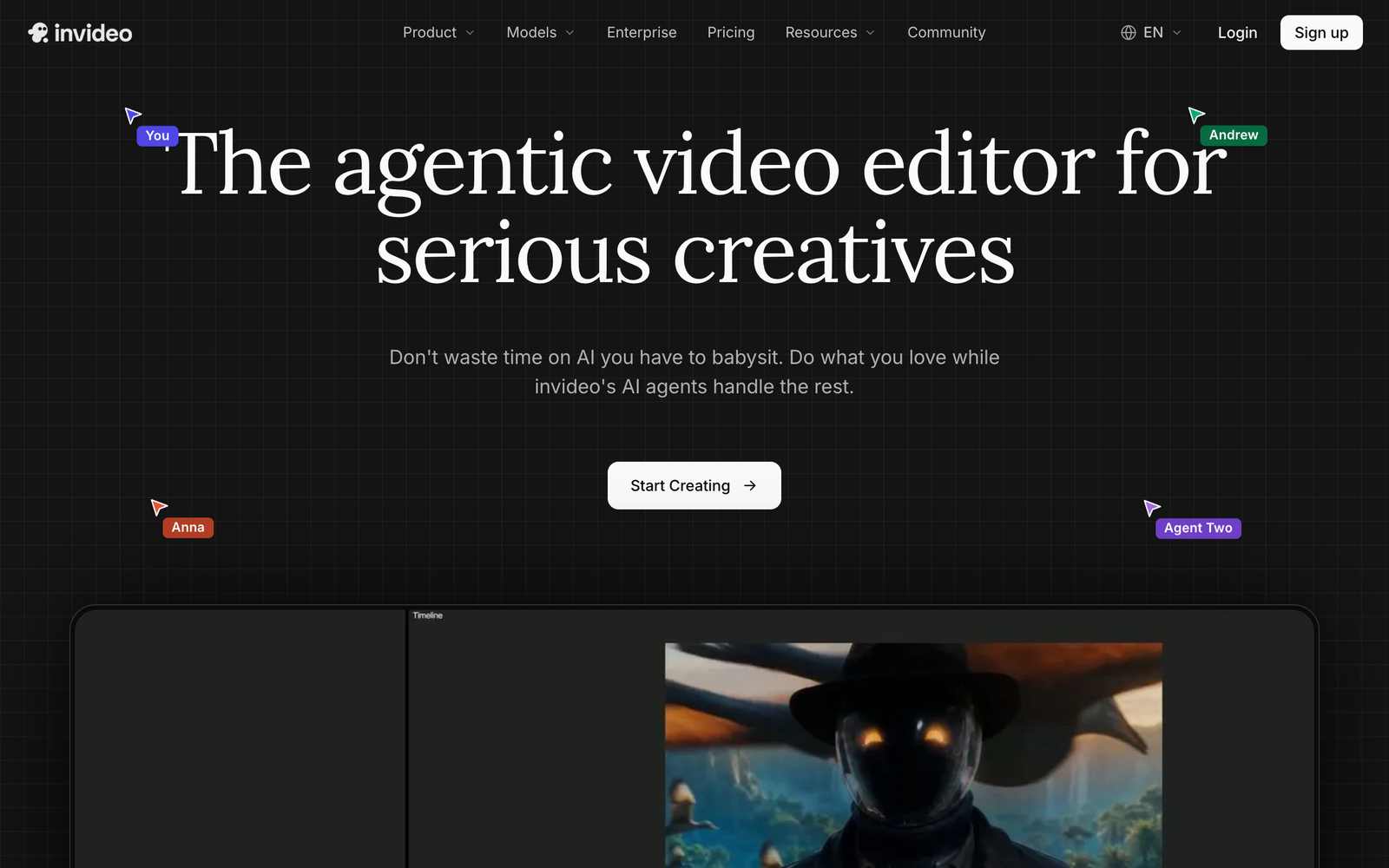
InVideo AI is the budget route to a finished video. Type a topic or a brief, and its AI agents assemble footage, a voiceover and captions into a complete cut you can edit on a shared timeline.
Key features
- AI agents (Agent Two) that script, source and edit a full video from a prompt.
- Generative models built in, including Seedance, Google Veo 3.1, Sora 2 and Kling.
- Premium stock footage allowances that grow with each plan.
- Voice cloning and ElevenLabs voices for narration.
- A multiplayer timeline editor with up to five seats on the Basic plan.
Pricing: Basic from $9 per seat a month billed yearly; Pro from $25 a month billed yearly.
Watch out for: stock-heavy cuts look generic rather than like your brand, so product recognition depends on how much of your own footage you feed it.
Side by Side
|
Tool
|
Strongest at
|
Keeps your product or character consistent
|
Ships a finished video (voice, captions, music)
|
Watch out for
|
|
1. ClipNova
|
Product and character video from references, finished
|
Yes, from one to four reference images
|
Yes, in three aspect ratios
|
Credit-based plans
|
|
2. Synthesia
|
Presenter and training video
|
Avatars only, not products
|
Yes
|
No generated product scenes
|
|
3. HeyGen
|
Spokesperson video and translation
|
Avatars only, not products
|
Yes
|
Same talking-head limits
|
|
4. Runway
|
Cinematic quality from references
|
Yes, from reference images
|
No, clips need editing
|
Credits burn fast at full quality
|
|
5. Kling AI
|
Realistic motion, native 4K
|
Yes, element and character tools
|
No, raw footage with audio
|
Editing still required
|
|
6. Pika
|
Fast stylized clips and effects
|
Yes, Character Studio
|
Partly, up to 30-second multi-shot
|
Commercial license from $35 plan
|
|
7. InVideo AI
|
Cheap finished videos from a topic
|
No, mostly stock footage
|
Yes
|
Generic look
|
The pattern is clear. Avatar tools finish the video but can't show your product, clip generators show your product but don't finish the video, and stock assemblers finish it with someone else's footage. That gap is why ClipNova ranks first: it's the one tool that keeps the product consistent and ships the finished video.
A Simple Workflow for On-Brand AI Video
The tool is only half of it. Here's the process that keeps AI output looking like your brand instead of like AI.
Lock the identity first. Before you generate anything, make sure your logo, palette and product photography are settled. Design.com's explainer on what a logo is covers why a mark has to read at tiny sizes, which matters when it sits in the corner of a vertical video on a phone.
Build a reference set. Collect three or four clean shots of each product, plus one of any mascot or spokesperson. These become the images you upload for every generation, so shoot them once and shoot them well.
Write one brief, not one prompt. Prompts describe a shot, and briefs describe a goal. Give the tool the audience, the problem and the promise, and let it plan the variants.
Generate wide, then pick. Render five or six variants, post the two strongest, and note which hooks win. Feed that back into the next brief.
Review every frame. AI still gets things wrong, and a warped label or an extra finger on a hand is a brand problem, not a tech quirk. Someone on the team should watch each export before it ships.
Where AI Video Fits in a Bigger Visual Strategy
Short-form video is one channel among many. DesignCrowd's piece on capturing customers in new traffic channels walks through connected TV, interactive visuals and short-form feeds, and the thread running through all of them is a strong visual identity underneath.
AI video doesn't replace that identity. It multiplies it. A tool that keeps your product consistent lets a small team show up on five channels with the polish that used to take an agency retainer.
That's the real story in DesignCrowd's roundup of AI branding trends. AI isn't making brands generic. Used well, it's letting small brands compete with the output of big ones while keeping the look they chose.
The Bottom Line
The best AI video generator for brands isn't the one with the most impressive demo reel. It's the one that keeps your product recognizable, finishes the video instead of starting it, and gives you clean rights at a price that makes sense per posted clip.
Run the seven checks, upload your own product for the test, and trust what you see over what the pricing page says. Your brand already did the hard work of deciding what it looks like. The right tool just has to remember.
Written by DesignCrowd on Wednesday, October 7, 2026
DesignCrowd is an online marketplace providing logo, website, print and graphic design services by providing access to freelance graphic designers and design studios around the world.
